Their dream wedding, before the day arrives.
Clear Planner takes the busywork off your plate and gives every couple a white-glove experience — branded questionnaires, one shared plan, and a 3D walkthrough of the big day before it happens. Everything you’d expect from planning software, plus the one thing no other platform can do.
The one thing no one else has
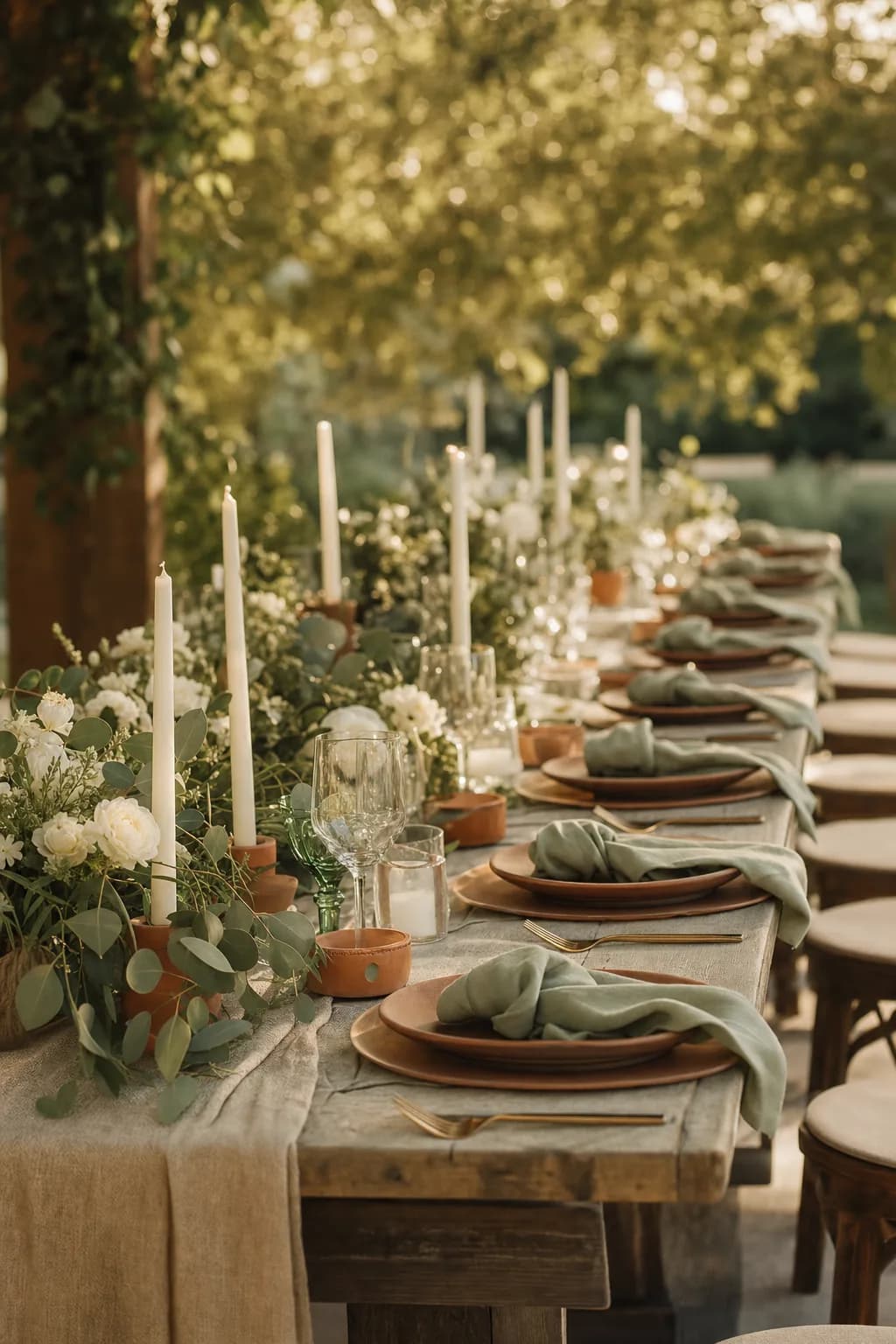
See the wedding before the wedding.
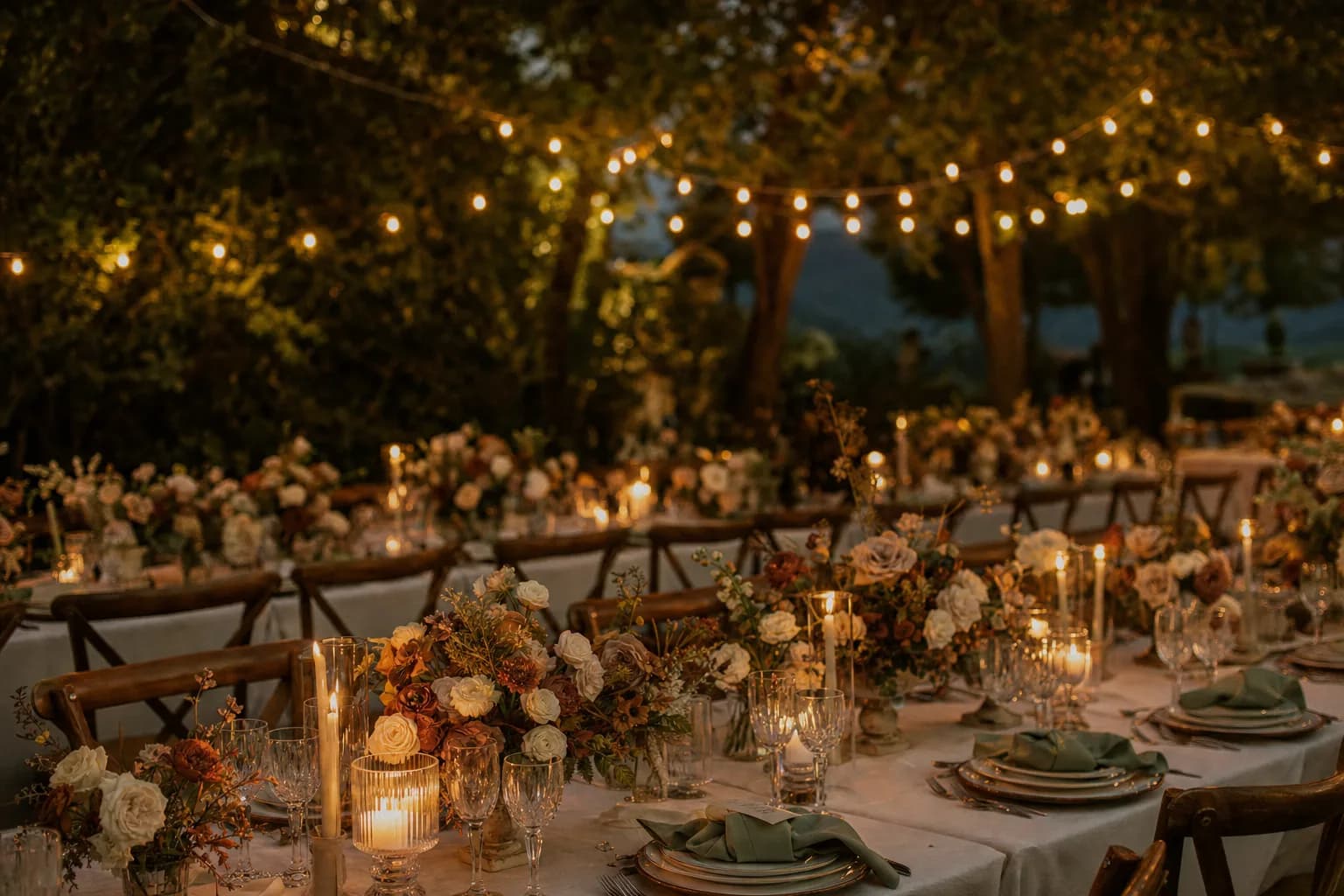
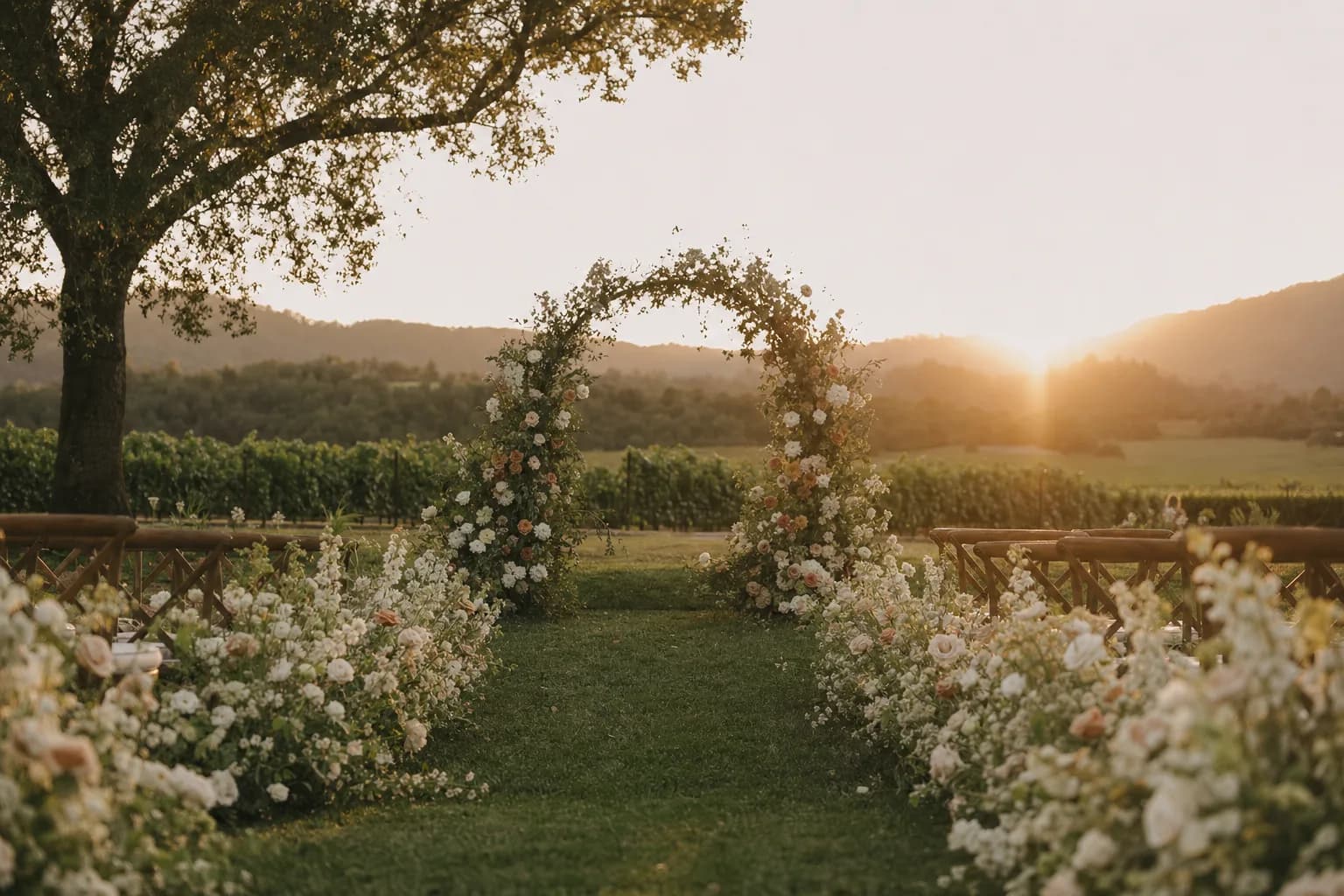
Capture the venue and every detail of the décor in 3D, then walk your couples through their celebration before it arrives. They fall for the plan; you win the booking — and you catch layout problems while they’re still easy to fix.
- A preview couples can step inside — the wow that closes the sale.
- Every table, arch, and place setting, exactly where it'll stand.
- Fewer day-of surprises, because everyone saw it coming.
Everything in one place
Do less. Deliver more.
Clear Planner replaces the patchwork of tools you juggle — questionnaires, timelines, budgets, vendors, day-of maps — and adds what none of them have.
Take the busywork off your plate
Questionnaires that fill your workspace for you, reminders that chase themselves, follow-ups that go out on time. Stop re-typing, stop nagging, stop living in your inbox.
A white-glove experience, effortlessly
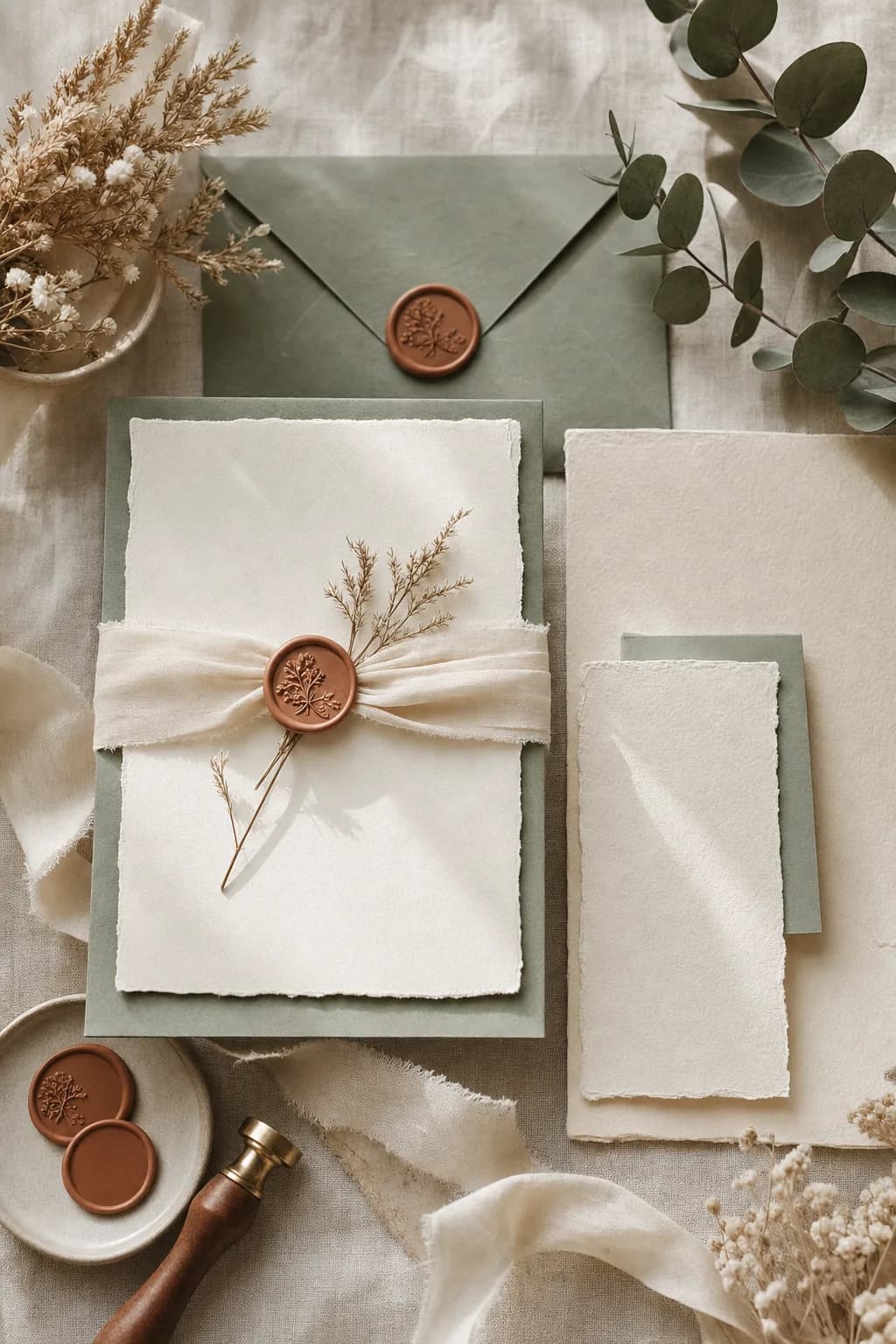
Every couple gets a branded portal, beautiful questionnaires, and perfectly-timed touches that make them feel looked after — all in your name, all running on autopilot.
Show them the day before it arrives
Capture the venue and the décor in 3D and preview the whole celebration with your couples. The wow that wins the booking, and the surest way to get every detail right the first time.
Everyone on the same page
Couples, vendors, and you share one living plan. Transparency from first inquiry to final load-out — no crossed wires, and no surprises on the day.
From first inquiry to last dance
How it works
- 1
Make it yours
Add your brand and pick your look. Every questionnaire, portal, and email goes out polished and unmistakably you.
- 2
Wow them early
Send a beautiful questionnaire and preview the wedding in 3D. Couples feel taken care of from the first click — and you’ve barely lifted a finger.
- 3
Run the day, together
One shared plan keeps couples and vendors aligned while automations handle the chasing. You show up present, not frazzled.
For the people who make weddings happen
Give couples the day of their dreams — and give yourself the time to enjoy it.
Getting married? Find your link here.